
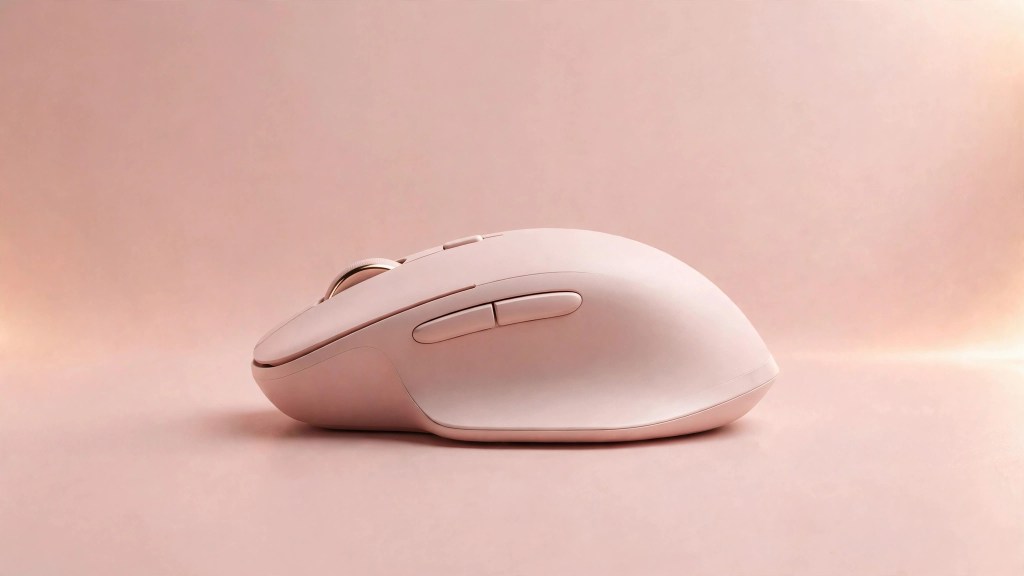
Quiet clicks, an 8K sensor, and the best scroll wheel in the business make this the mouse power users keep coming back to.
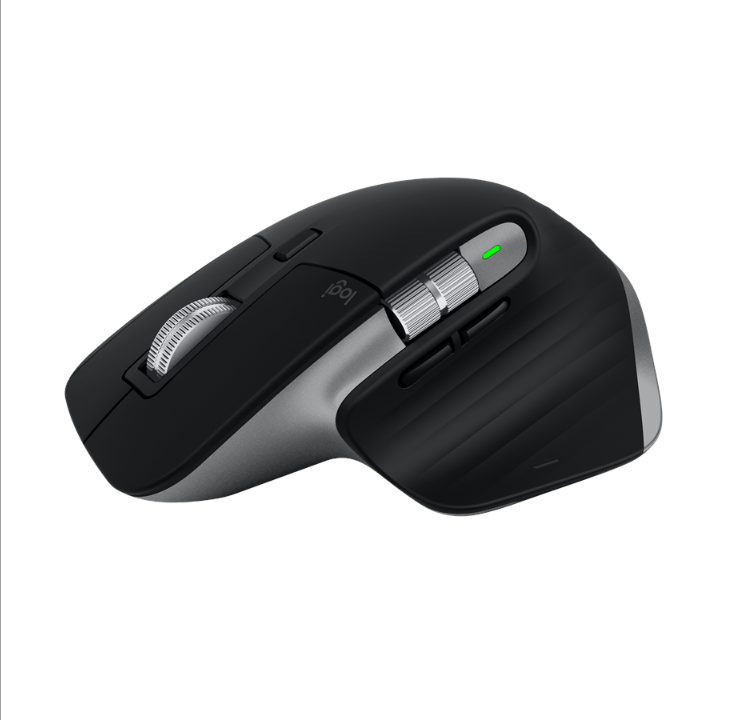
Product Image: Logitech
8.9
KADS SCORE
Quick Take
The MX Master 3S is the gold standard for productivity mice and owners say it earns the title. Quiet clicks cut noise by 90 percent, the 8,000 DPI sensor tracks on glass, and the MagSpeed wheel remains unmatched. The ergonomic shape fits right hands like a glove, and multi device switching keeps three machines in easy reach.
What We Like
- Best in class scroll wheel with electromagnetic MagSpeed
- Quiet clicks keep offices and calls peaceful
- 8,000 DPI sensor tracks virtually anywhere, including glass
- Pairs with three devices and switches in one tap
- Up to 70 days of battery, with a minute of charging buying hours
What We Don’t Like
- Right handed only, so lefties are out of luck
- This Bluetooth edition ships without a USB receiver
- Deep customization requires Logi Options+ software
- Too heavy and slow for competitive gaming
Product Details
Full Review
Quality
The 3S feels dense and deliberate in hand at 141 grams, with a sculpted right hand shape that owners say kills wrist strain on long days. The textured materials resist wear, and the thumb wheel plus gesture button sit exactly where your digits expect them. Logitech’s Quiet Click switches keep the familiar tactile snap while dropping noise dramatically. It is the rare mouse that feels like a tool built by people who obsess over the details.
Value
At $109.99 on sale from a $139.99 list, the 3S is not a cheap mouse, but owners consistently say it pays for itself in comfort and speed. Cheaper mice cannot touch the scroll wheel or the multi device flow. Against pricier pro options it wins on ergonomics and software. If your hands earn your living, this is money well spent.
Who Should Buy It
Anyone who spends all day at a desk and wants the most comfortable, capable mouse money can buy.
Who Should Skip It
Left handed users and gamers should look elsewhere. If you just browse and email, a simpler mouse saves you real money.
FINAL VERDICT
The MX Master 3S remains the productivity mouse to beat. Everything from the quiet clicks to the glass tracking sensor to the MagSpeed wheel feels tuned for people who work hard with their hands. It is not cheap and it is not for lefties, but for everyone else it is the safest mouse upgrade you can make.
8.9 / 10
Some links on this page are affiliate links. If you buy through them, Kads Review may earn a commission at no extra cost to you. See our Affiliate Disclosure.




Leave a comment